
Recompilation The Legend of Zelda: Breath of the Wild
Breath of the Wild PC recompilation Savage Wind reaches Alpha 6 with DLSS and FSR upscaling
Alpha 6 of Savage Wind, the native Windows and Linux recompilation of the Switch version of Breath of the Wild, adds DLSS and FSR upscaling, a faster build, one-click updates and a long list of fixes. The developer says it can now be played from start to finish, DLC included.
 by CDRomance
· 2 min read · Comments
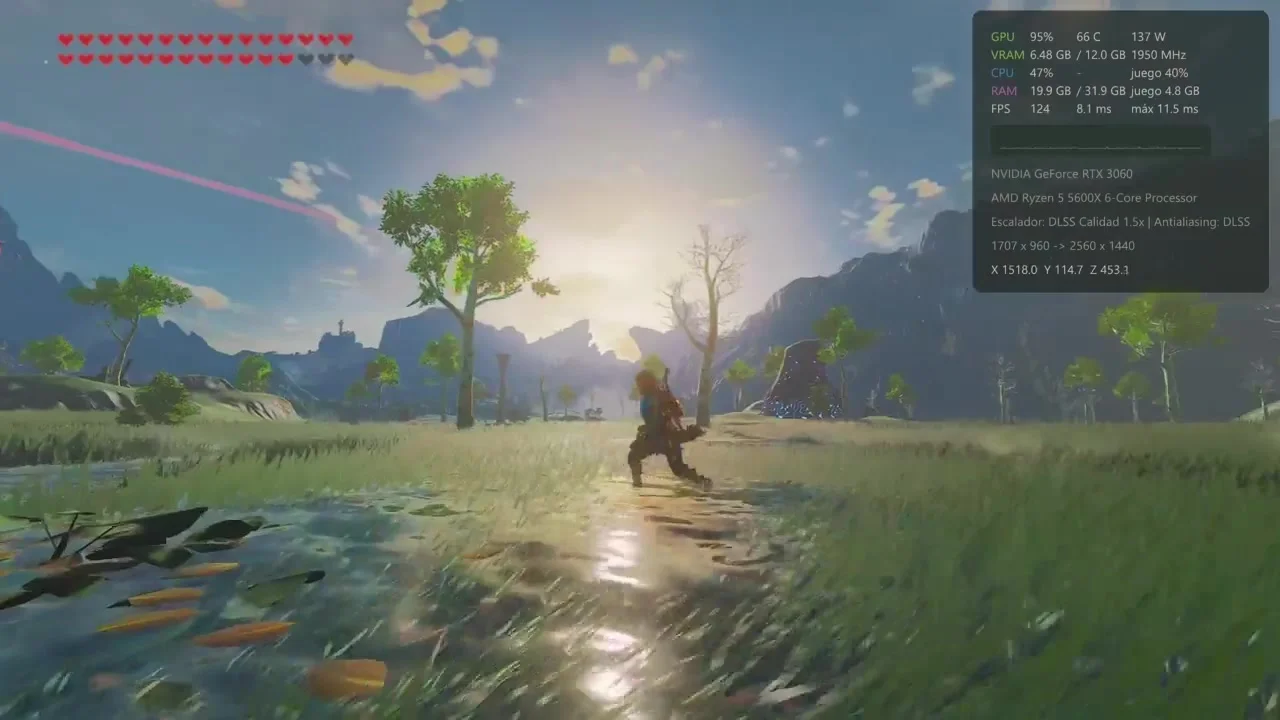
Savage Wind, the static recompilation that turns the Switch version of The Legend of Zelda: Breath of the Wild into a native Windows and Linux program, has reached Alpha 6. Its developer, ReviveDx, calls it the upscaler update, and it lands only a month after the project first appeared on GitHub in mid-October. Nintendo's open-world Zelda first came out in 2017 on Switch and Wii U.
The headline claim is about stability: according to the developer, no known bug now stops you from progressing, so the whole game can be played from the opening to the credits, both DLC packs included. What remains is polish, mostly CPU and memory use, graphics on some older cards and comfort features.
Upscalers and a faster build
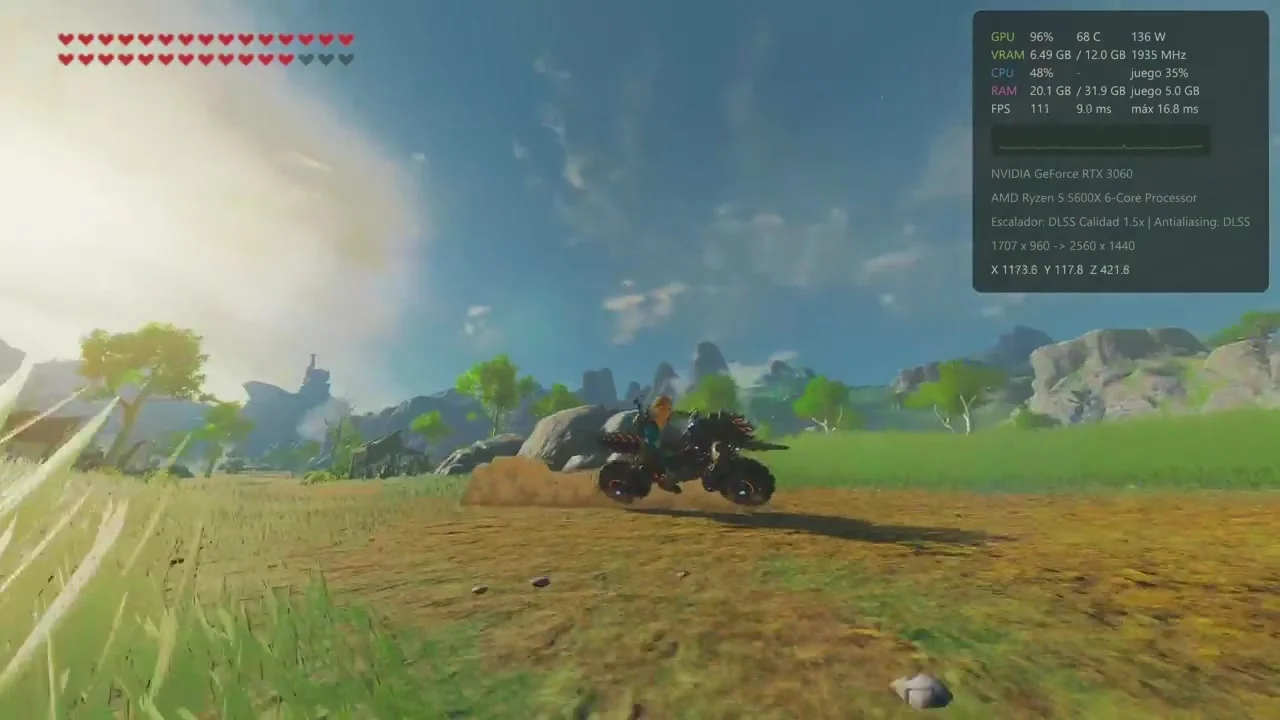
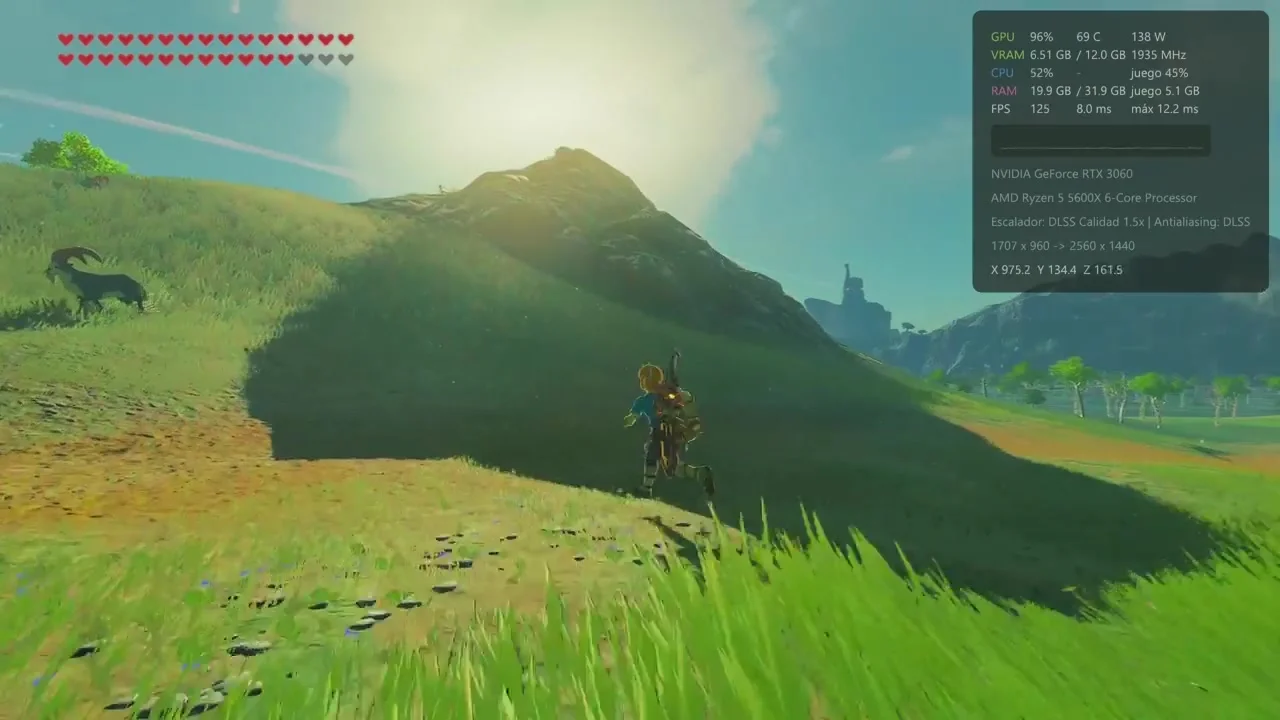
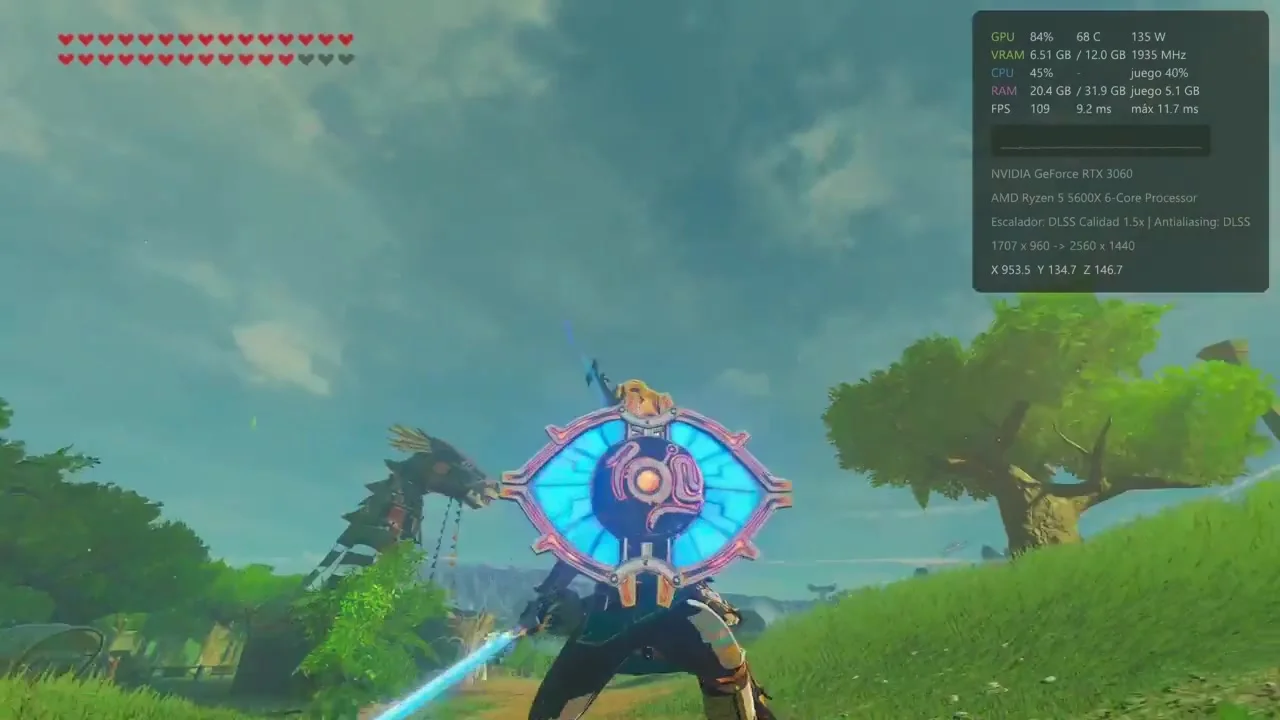
The game can now render the 3D scene below the output resolution and rebuild a sharp picture with NVIDIA DLSS on RTX cards (Windows) or AMD FSR 3 and FSR 4. In the release notes, an RTX 3060 at 4K on the top "Savage" preset goes from 94 fps with no upscaler to 123 fps with DLSS. The DLSS library itself isn't bundled: the configuration tool fetches it from NVIDIA's own repository. The menus and HUD stay sharp whatever the render scale.
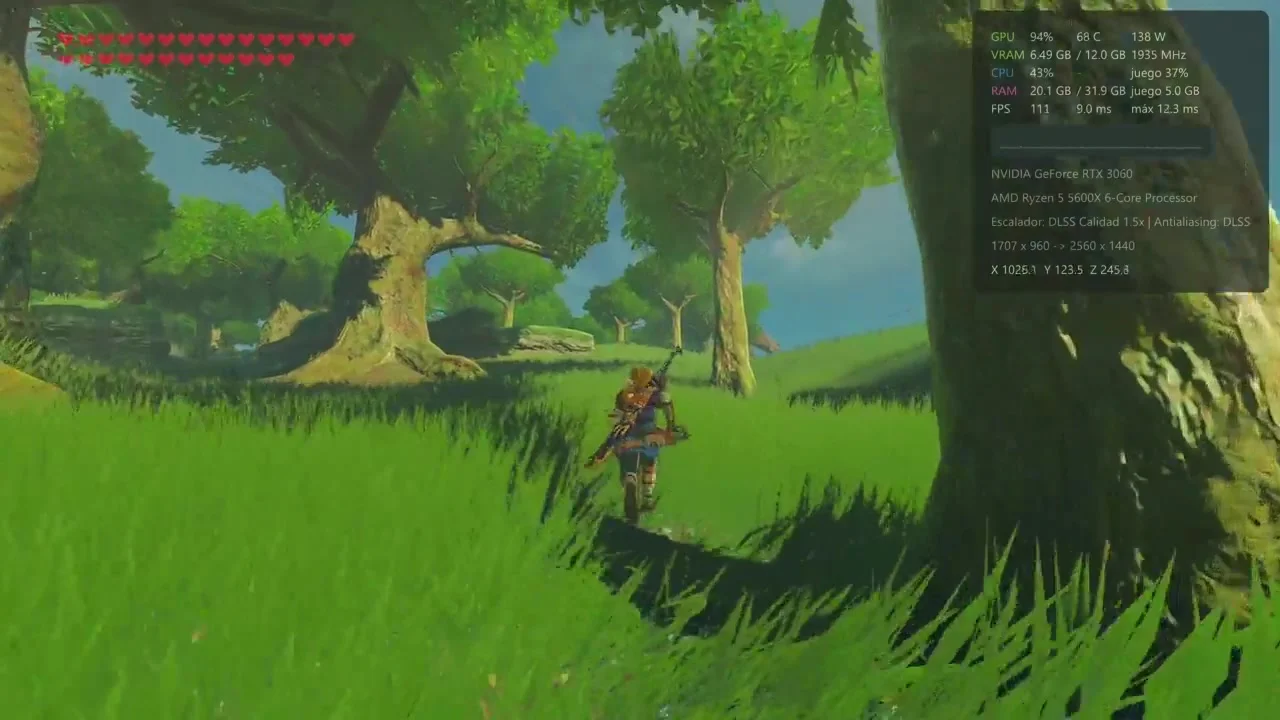
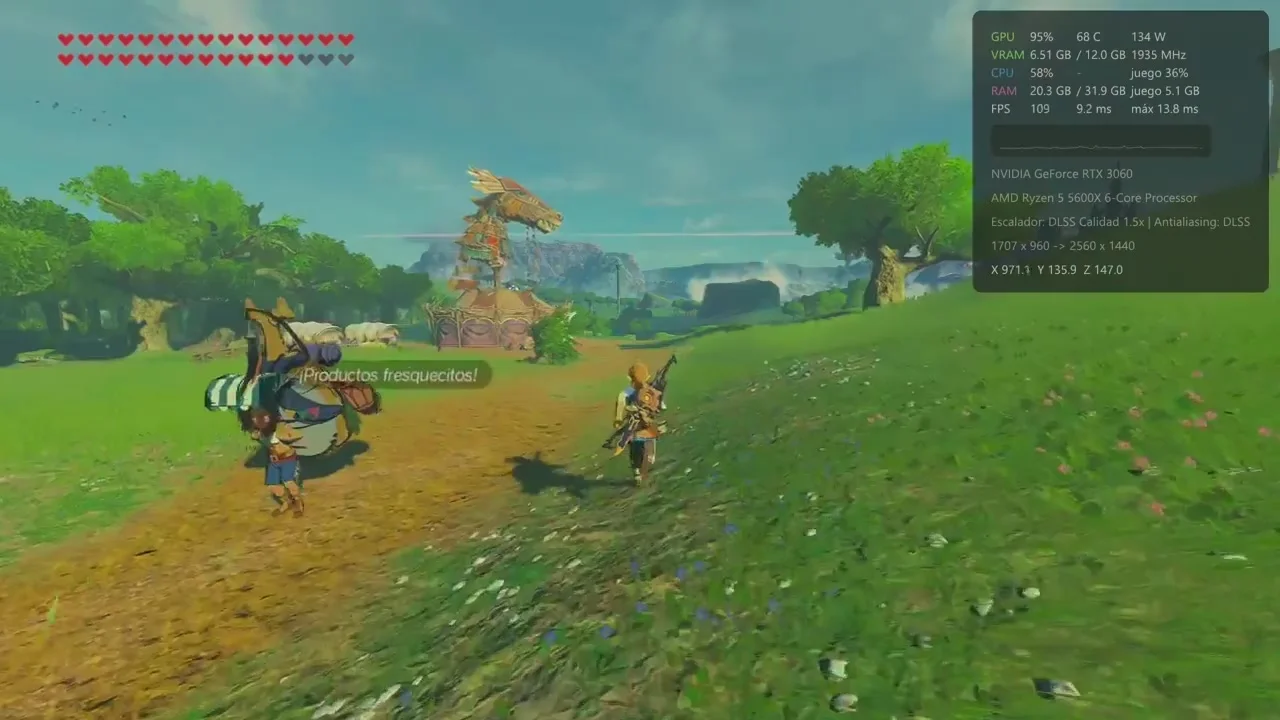
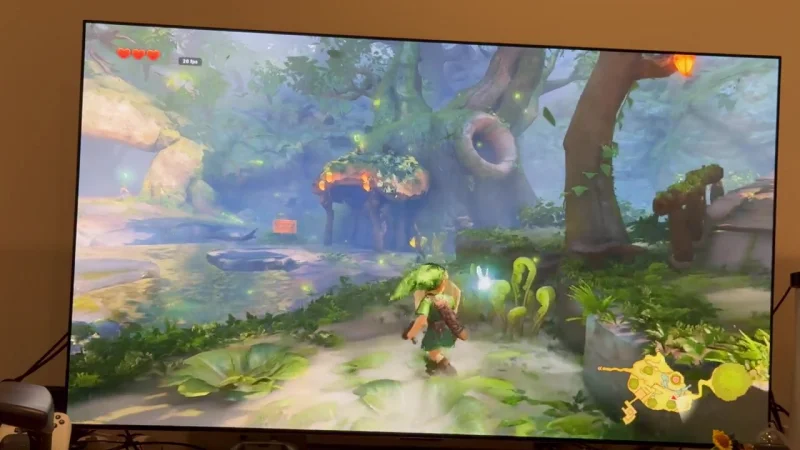
The program is also compiled with profile-guided optimisation now, worth up to about 12% more frames on the same machine, and more than 11,600 graphics pipelines are prepared before play, against roughly 4,000 in Alpha 5, which should cut the stutters the first time a new effect appears. The gameplay video with the announcement shows Hyrule Field and one of its stables at 1440p with DLSS Quality on an RTX 3060, mostly between 105 and 125 fps.
Updates, controls and options
Since version 0.5.1, Savage Wind Configuration checks for new versions and installs signed updates in one click, on Windows and in the Linux AppImages. A button adds the game to Steam, handy on Steam Deck, and gyro aiming now behaves the same however the controller is held, with DualSense and DualShock 4 working through Steam Input. New options include colour vision filters, a separate HDR page, text and cursor speed, a HUD-off mode for screenshots, a custom save folder, optional Discord Rich Presence and a reorganised cheats tab.
The fix list is long: no more black sky on AMD cards, see-through water or spiky terrain in the Gerudo Desert, and the slowdowns and crashes after two or three hours of play are gone.
What you need and what's next
Savage Wind needs your own copy of the game, updated to version 1.9.0 and extracted from your own Switch, plus Windows 10 or later or 64-bit Linux, a Vulkan 1.3 graphics card and 16 GB of RAM. Nothing from the game is included; the code is recompiled on your PC during setup. The README states that the project, which builds on the LAS Recomp Link's Awakening recompilation, is written almost entirely with AI, directed and tested by its developer.
Alpha 7 will take longer than usual, but the beta, focused on full mod support, is still planned for within the next month. To try it, follow the instructions on the Savage Wind GitHub page with your own copy of the game.
Comments 0
No comments yet. Be the first.
Log in with Discord to vote.