
PC Port Pokémon Pinball: Ruby & Sapphire
Pokémon Pinball: Ruby & Sapphire full-table port reaches Android and gets a Tate mode on PC
JVPPBPort, a fan port that shows the whole Pokémon Pinball: Ruby & Sapphire table on one tall screen, has opened a public Android playtest with touch controls, added Tate mode on Windows and followed up with a 0.3.0 update.
 by CDRomance
· 2 min read · Comments
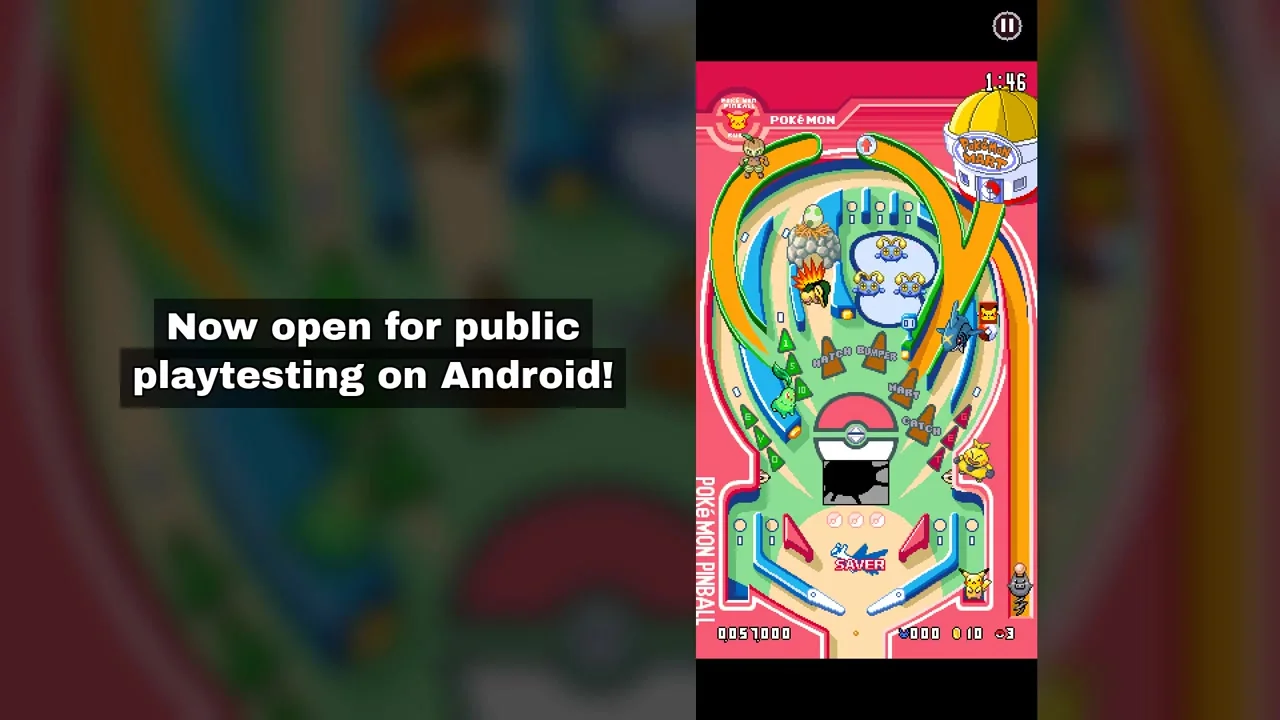
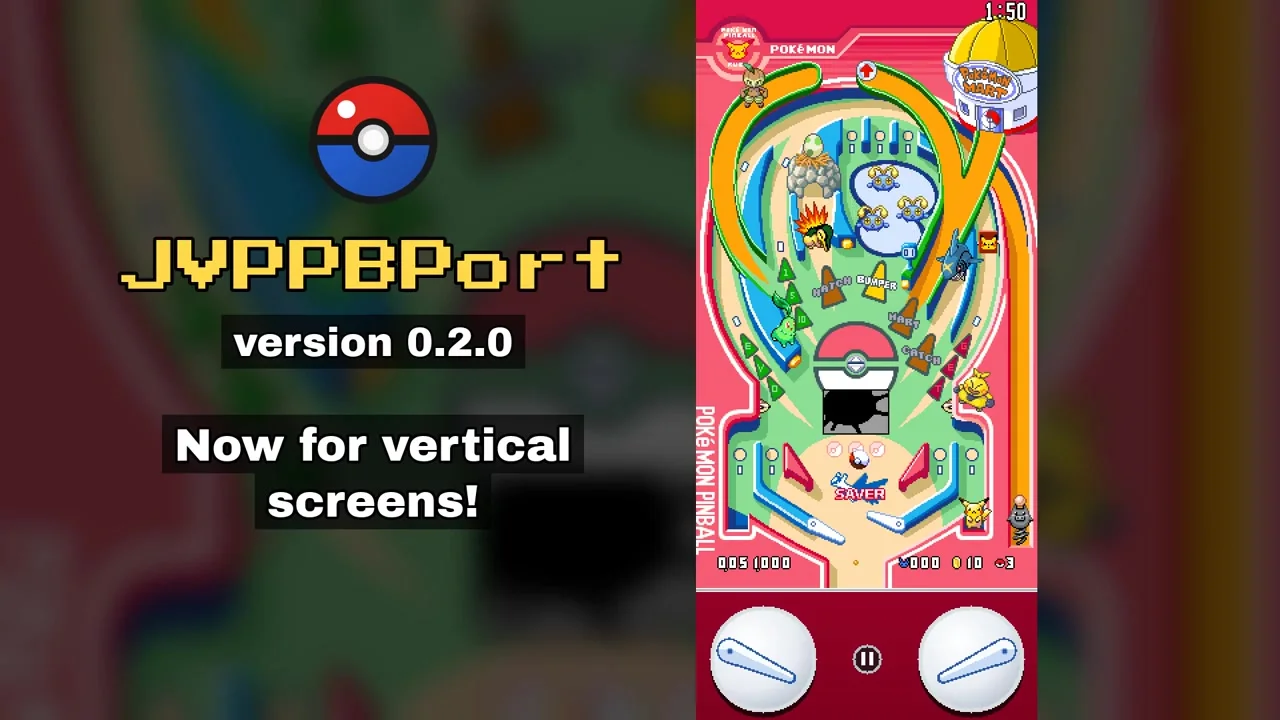
The Game Boy Advance's small, wide screen always forced Pokémon Pinball: Ruby & Sapphire to scroll its camera up and down the table. JVPPBPort, a fan port by jonnisvibes, removes that limit: the entire table sits on one tall, static screen, much like a classic PC pinball game. Version 0.2.0, released on November 12, brings the port to Android as an open public playtest, and a 0.3.0 update followed five days later.
The port is built on the pret decompilation of Pokémon Pinball: Ruby & Sapphire, the community project that rebuilt the game's code in C. The creator says openly that AI coding tools were used to write the port. According to the project page, the game logic behaves like the original, and at the SLOW and NORMAL speeds the ball physics and sound were checked frame by frame against the mGBA emulator.
Made for phones
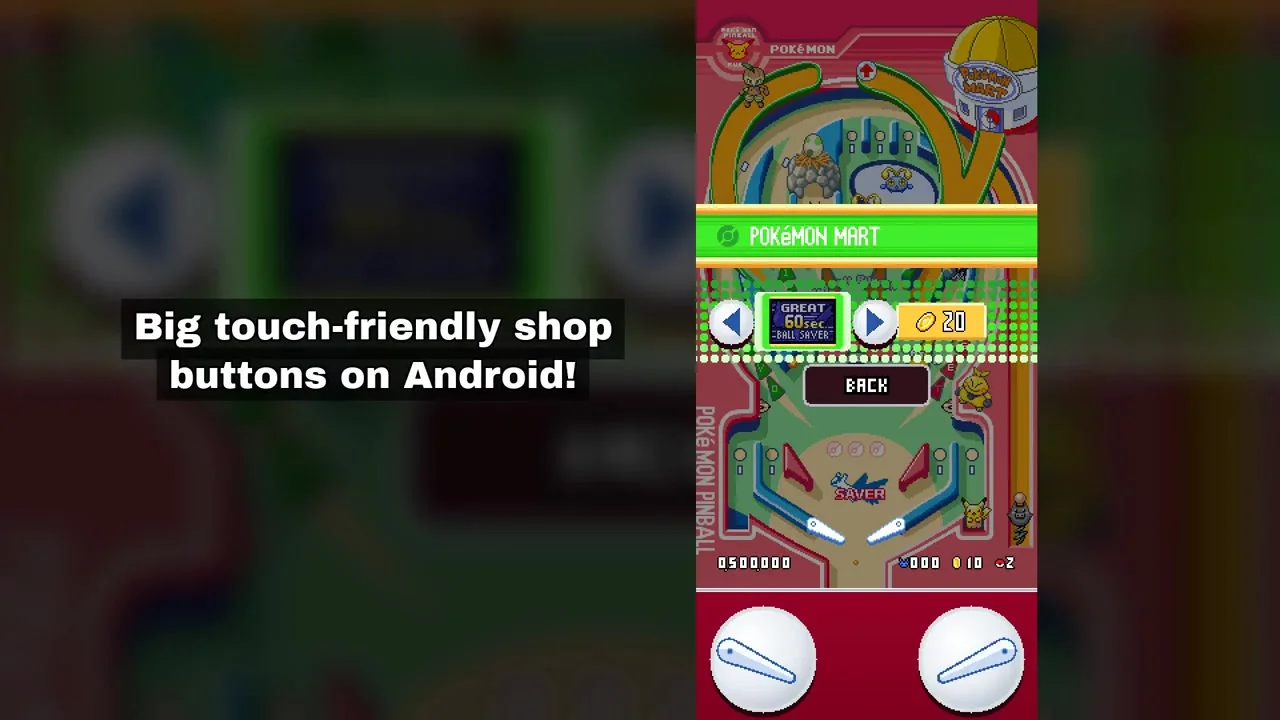
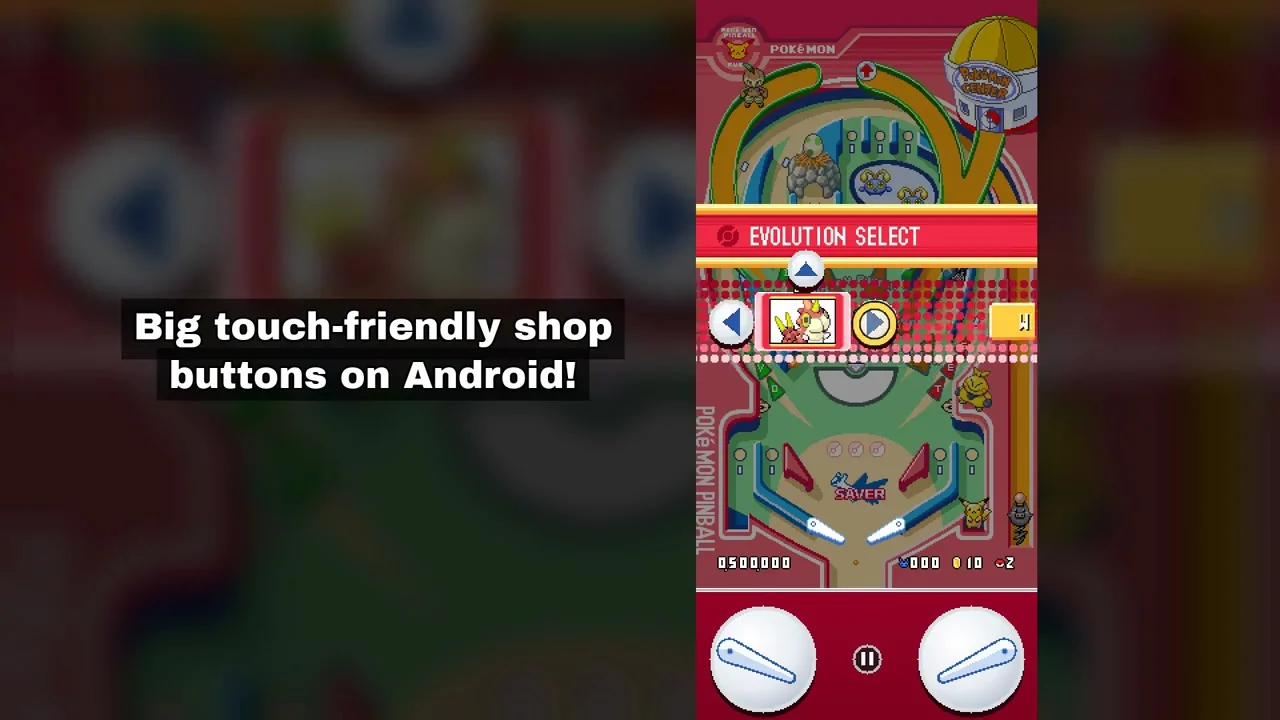
The Android version needs Android 8.0 or newer on a 64-bit ARM device. You can play with round flipper buttons under the table, with touch zones covering each half of the screen, or with a controller, and a swipe across the table tilts it. The Pokémon Mart and Evolution Select menus got large arrow buttons sized for fingers. The developer warns that the build has only been tried on a few Samsung devices so far and asks players to report problems on the project's issue tracker, along with their phone model and Android version.
Tate mode and full bonus stages
On Windows, a new Tate mode rotates the picture for a monitor turned on its side, so the tall table can fill the whole screen without changing Windows' display settings. Bonus stages are now shown in full by default instead of through the GBA's small scrolling window, and the old view is still available as an option. Screen changes now wait for confirmation and undo themselves after ten seconds if you don't keep them. The experimental FAST ball speed was toned down to 35% above normal, to stop the ball from escaping the table.
Other features carry over from the first beta: configurable keyboard and controller input, rumble through the game's original Game Boy Player support, optional LCD and GBA screen filters, unlockable e-Reader exclusive Pokémon, and save files that also work in emulators.
What 0.3.0 adds
The November 17 update adds a portable mode on Windows that keeps saves and settings next to the program, plus an optional custom wallpaper for the bars beside the table. On Android, the Back button now closes the app from the main menu, and the flipper buttons respond better when a thumb lands slightly off target.
What you need
The port contains none of the original game's assets. On first launch it asks for your own copy of the US release of Pokémon Pinball: Ruby & Sapphire, a 2003 game developed by Jupiter and published by Nintendo, and extracts what it needs from it. Builds for Windows and Android are on the JVPPBPort GitHub page, and Linux users can compile it from source.
Comments 0
No comments yet. Be the first.
Log in with Discord to vote.