
Crowbar 0.2.9 gives native PS4 ports on PC a console-style Guide menu, real pause and trophies
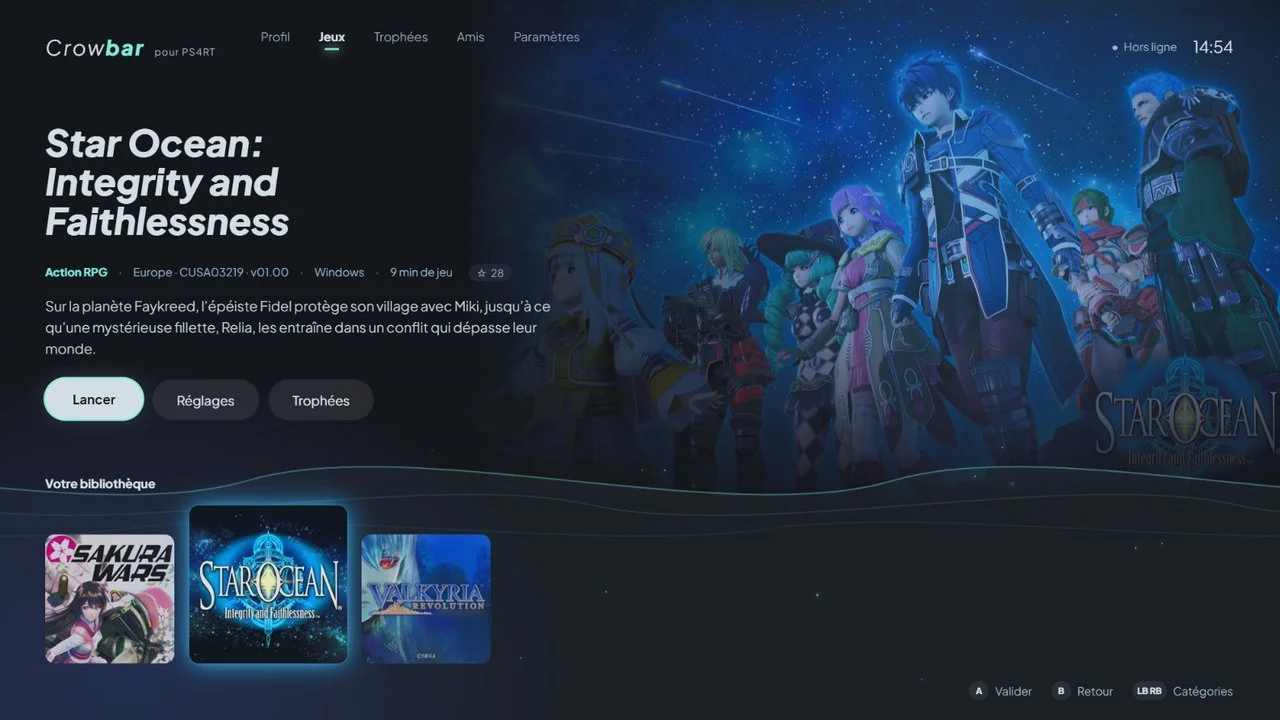
DiamondDogz's Crowbar launcher, which installs and runs the community's PS4RT runtimes on Windows and Linux, now pauses games from the Guide button, quits them cleanly and shows trophies live, with an experimental peer-to-peer friends list on top.
 by CDRomance
· 3 min read · Comments
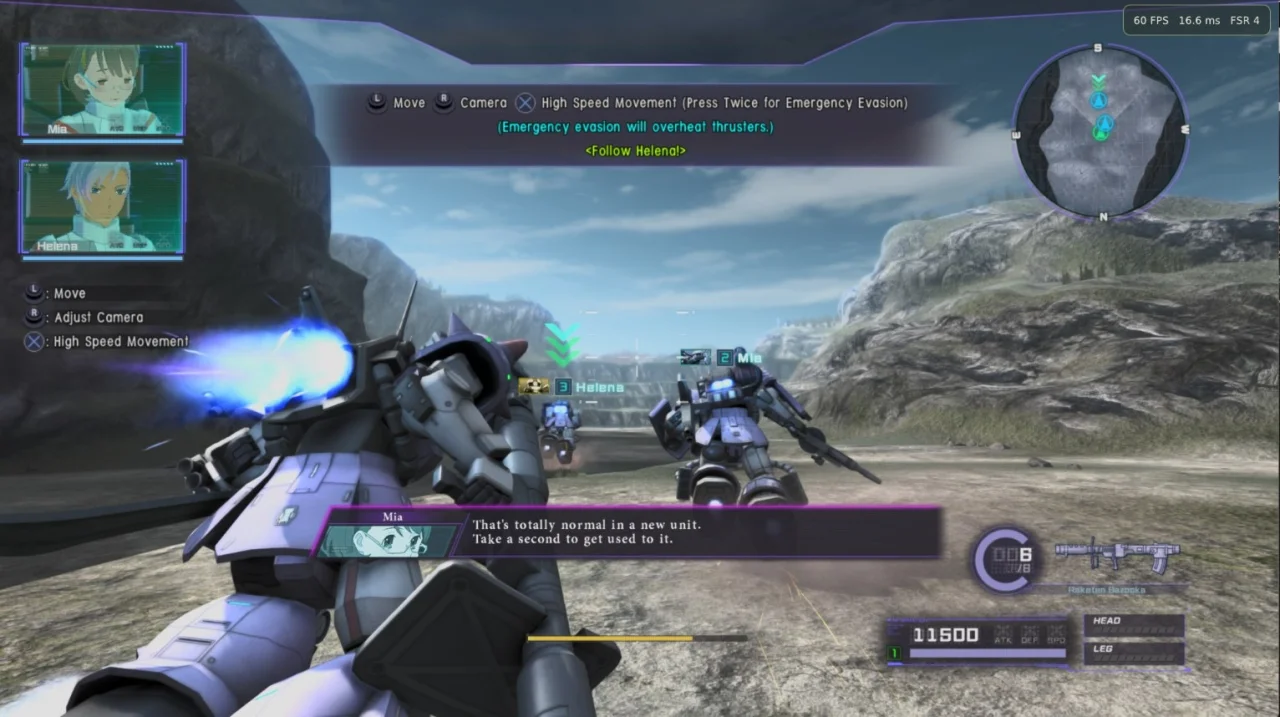
A small family of PS4 games now runs on PC through PS4RT runtimes: per-game compatibility layers that execute each game's original x86-64 code on Windows or Linux, stand in for the PS4 system services it calls and draw it with a Vulkan renderer built on code from the shadPS4 emulator. Crowbar, made by DiamondDogz, is the front end that ties them together, and its 0.2.9 release on 14 November is the biggest update the launcher has had so far.
What's new in 0.2.9
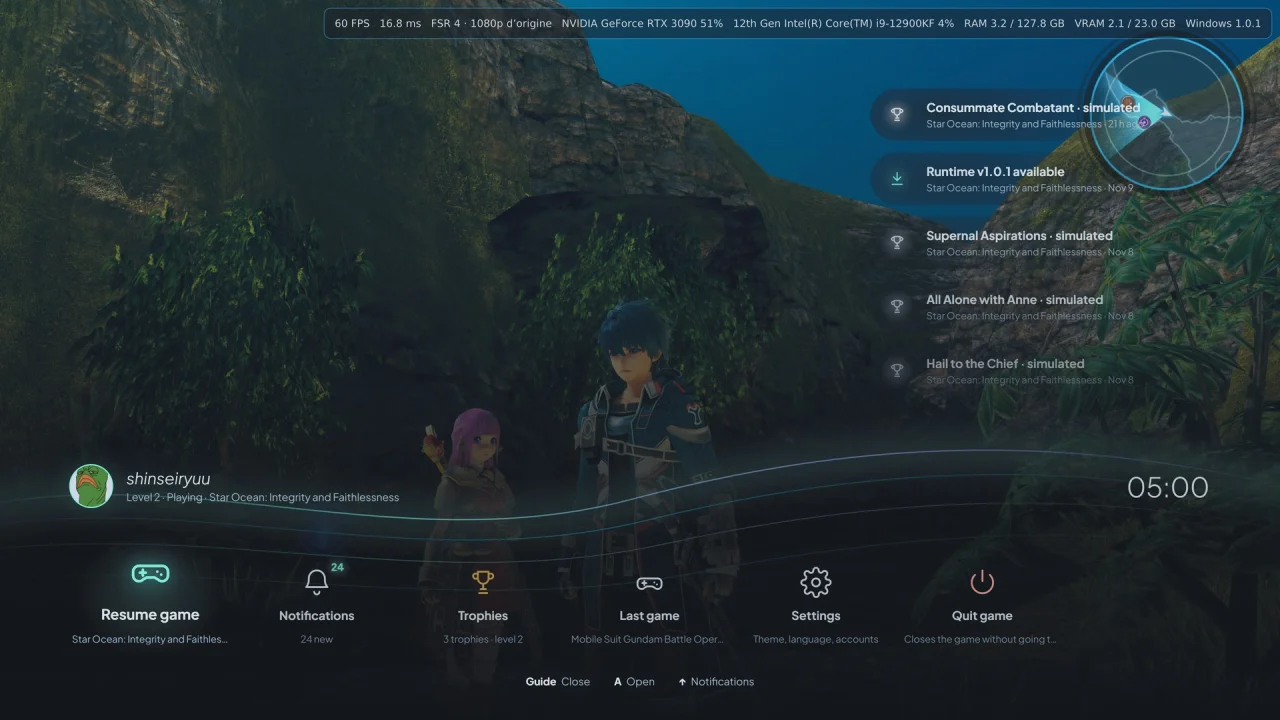
The headline feature is a pause that actually stops the game. Pressing the controller's Guide button freezes the picture, audio and in-game timers while Crowbar's overlay menu slides in; if the game is in a moment where it can't be halted, such as a cutscene, a short notice explains why instead. For now this works with Sakura Wars, Valkyria Revolution and Mobile Suit Gundam Battle Operation Code Fairy on Windows. Quitting from the menu also lets the runtime save and close on its own, so an early exit is no longer logged as a crash.
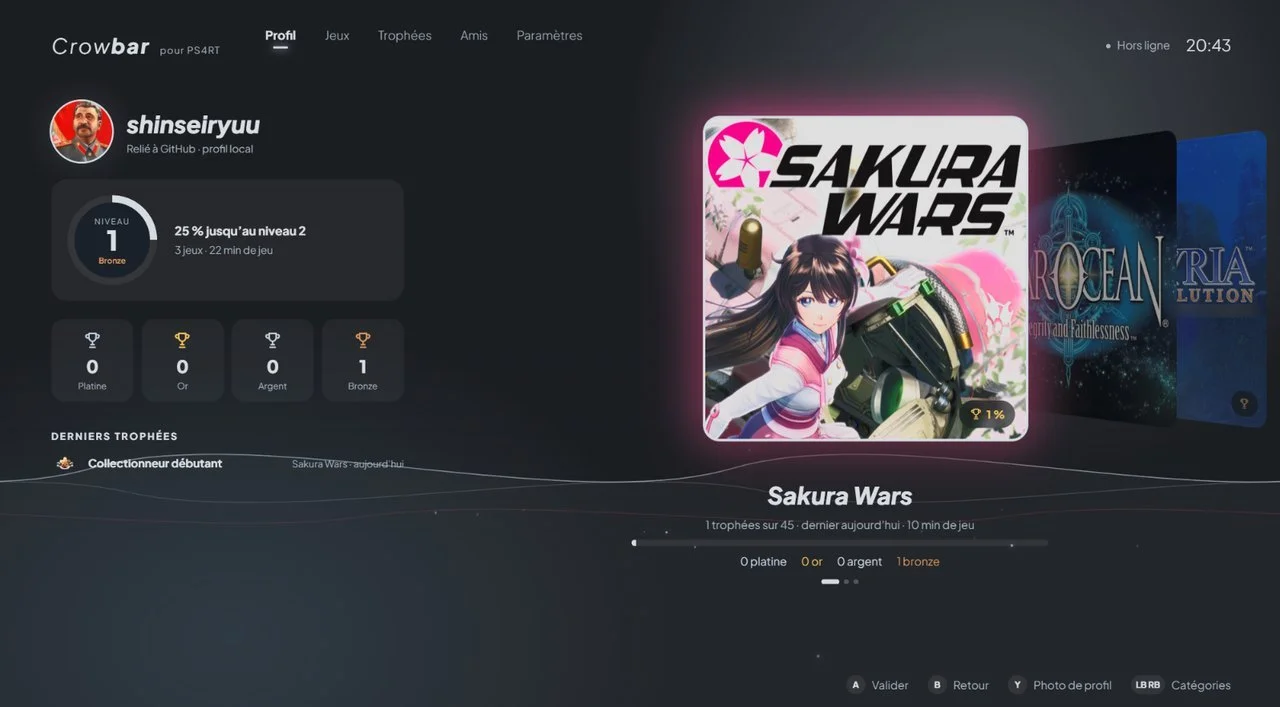
Trophy unlocks now pop up as banners during play and land in the player's profile straight away. Runtimes can be told to show PlayStation or Xbox button prompts, hand their screenshots to a new Captures gallery and expose a mods folder from each game's Add-ons page. New runtime versions appear while the launcher is open, with no restart.
Friends without a server
Behind the developer mode switch sits an experimental social layer. Players can see which friends are online and what they're playing from the Guide menu, compare trophy lists game by game and send messages. There's no central server: messages go directly between players, and when the recipient is offline they're held by other Crowbar users for up to 14 days, which means anyone who uses messaging also helps relay them. Version 0.2.11, out a day later, draws those banners inside the game picture itself, exclusive fullscreen included.
The games and their makers
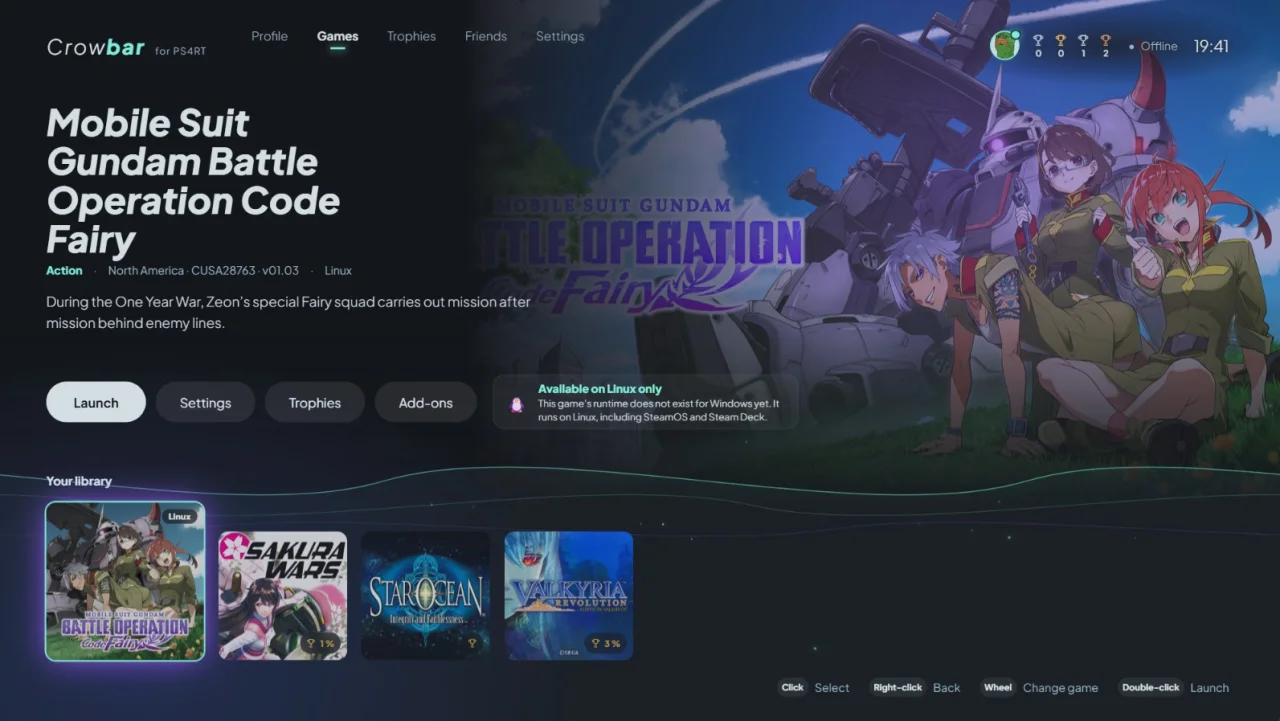
Crowbar only launches games; the hard work is in the runtimes, and the author credits them prominently. HekamiAeon wrote the Sakura Wars, Valkyria Revolution and Gundam Code Fairy runtimes (Crowbar ships Windows forks of them, and the new pause and quit support has been offered back upstream), Hoverbike51 made the Windows port of Star Ocean: Integrity and Faithlessness, and saulob is behind the PC versions of Vanillaware's Dragon's Crown Pro, Odin Sphere Leifthrasir and 13 Sentinels: Aegis Rim. Developers who want their own runtime to talk to the launcher can use the MIT-licensed Crowbar SDK, which adds trophies, pause, quit, presence and captures through a few optional calls.
Crowbar is free for personal use, though its own source code isn't public. It needs Windows 10 or 11 or a Linux desktop, a Vulkan 1.3 graphics card and, above all, your own extracted copy of each supported PS4 game: no game data is included. Everything else is on the project's GitHub page.
Comments 0
No comments yet. Be the first.
Log in with Discord to vote.